
Every Solution 6000 setting, in one clean window.
A modern programming tool built around how installers actually work: on site, under time pressure, and accountable for what ends up on the panel.
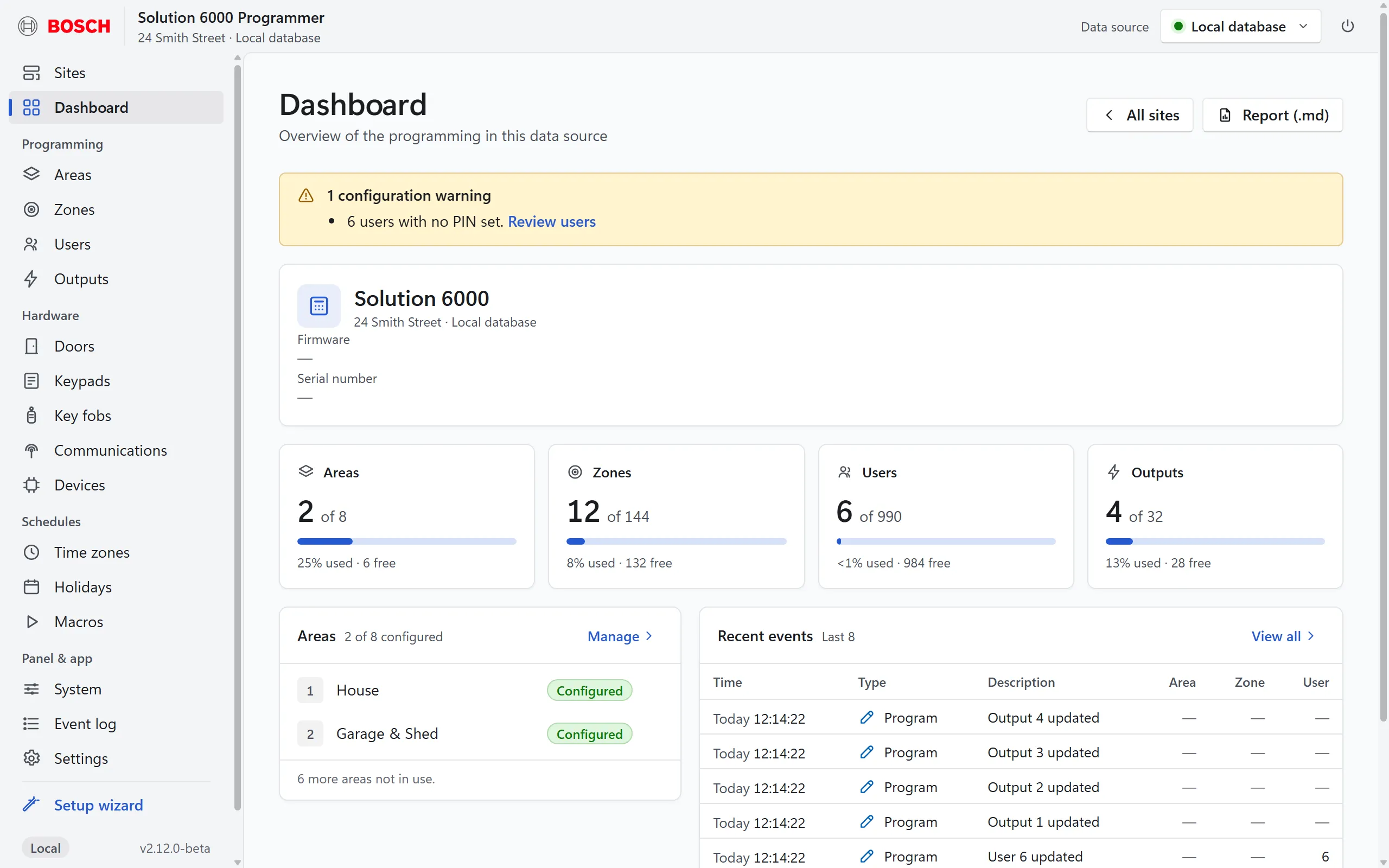
Every programmable field
Each page carries the panel's full real field set, matched against Solution Link's own records.
- Zones, users, areas, outputs, doors and keypads
- Time zones and their intervals, holidays and macros
- Key fobs, RF / Wi-Fi / LAN / GSM devices, comms and system options
- User codes and other secrets are write-only: stored, never shown back
Read from and send to the panel
Connect to the panel over IP. Read from panel pulls its programming in. Send to panel programs zones, users, areas, outputs, doors, keypads, holidays, time zones and IPRS reporting in one go.
- A dry-run preview shows exactly what will be written before anything changes
- Each field is written, then read back and compared
- A mismatch is reported, not hidden, and the rest carries on
- Not sent yet: receivers, device settings, key fobs, card/token IDs and most system options. The preview lists them, and they stay in your site file and backups
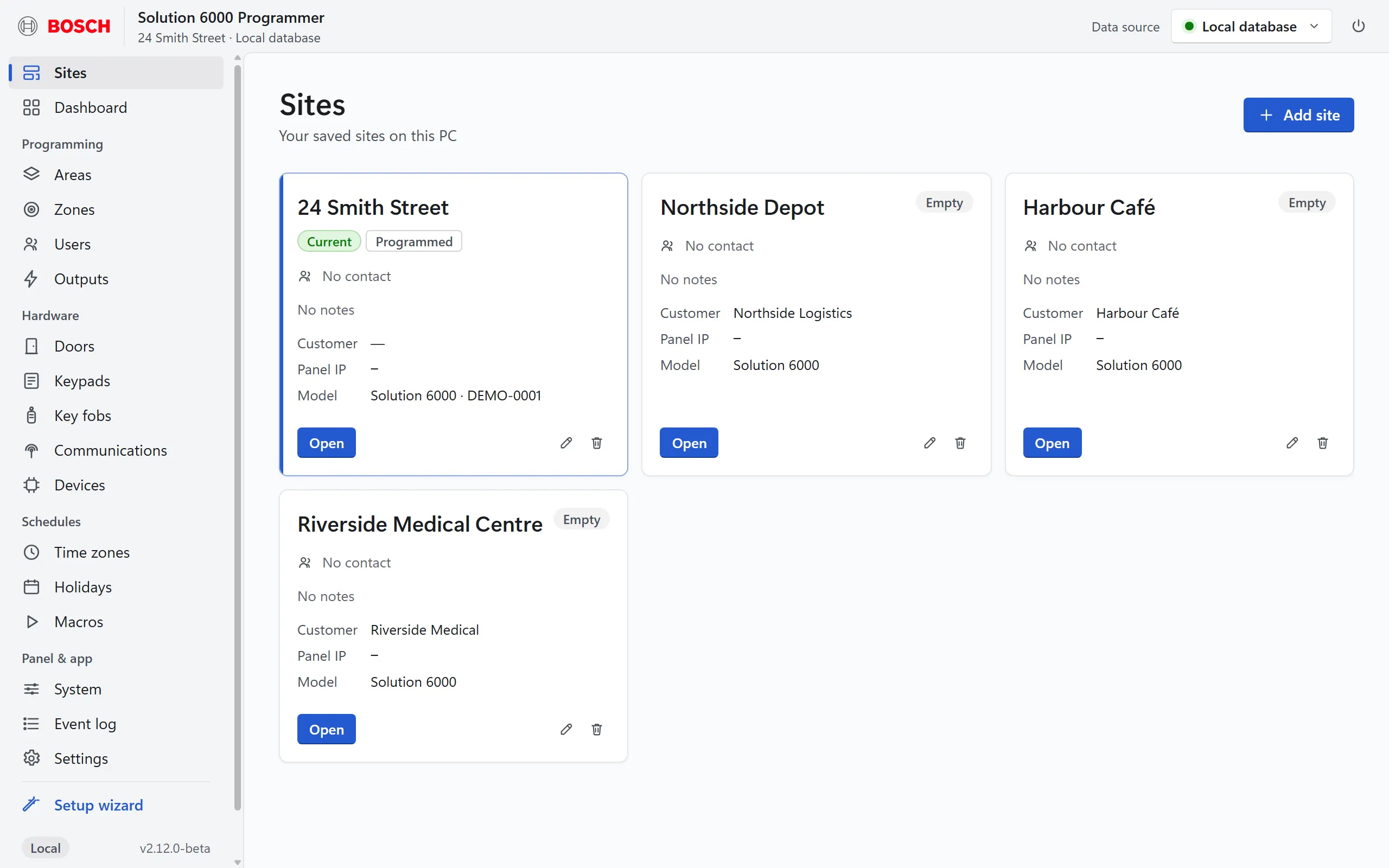
All your customer sites in one place
One app holds every site you look after, each with its own panel address, contact and notes. Open a card and you're programming that site.
- Add a site from scratch, the setup wizard, an import or a backup
- Each site keeps its own panel connection details
- Switch between sites without mixing anything up
Import existing sites in one step
Already use Solution Link? Pull a site's programming straight across: names, zones, users, areas, outputs, comms and more. It arrives as a new site, so nothing you already have is overwritten.
Backups you can actually read
Every backup is saved two ways: a file you can restore on any PC, and a readable report for the job folder or the customer. Restoring always creates a new site, so you never overwrite work by accident.
Installs in a minute. No admin needed.
One Windows app in its own window. It installs for the current user without administrator rights. A guided setup wizard gets a new site going quickly, and the Client edition gives owners a read-only view.
Careful by design
The programmer only listens on your own PC, never your network. User codes are written to the panel but never shown back or logged, and the panel's remote-access (RAS) code is never changed over the live link.
See it on your next job
Download the Programmer and request a PIN.